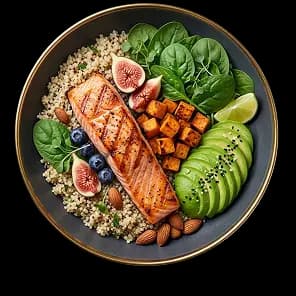
Log the meal you actually ate.
Take a photo, scan a barcode, or enter it manually.
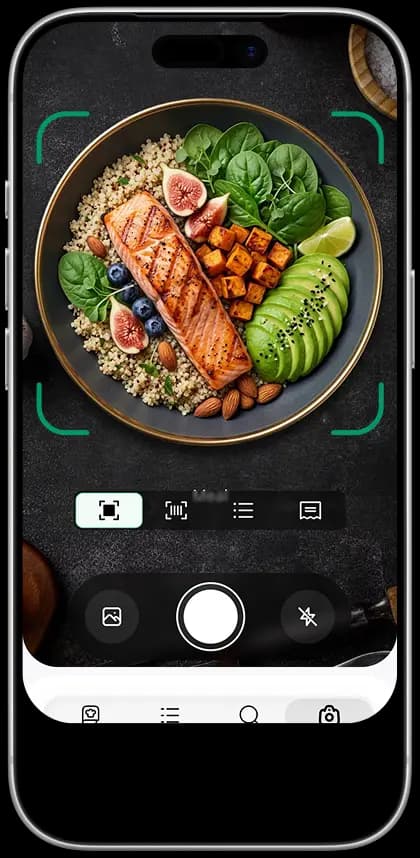
Point your camera at the plate. Diat names the food, estimates the portion and logs calories, protein, carbs and fat in about two seconds.
Best Calorie counter& Diat Plans
Take a photo, scan a barcode, or enter it manually.
Review the estimate, ingredients, serving, and nutrition.
Place food beside your plan, routines, and progress.
Remaining 403 kcal
Hydration Status:
Drinking enough water daily boost your energy and sharpen your focus.

5000+
RECIPES
Your coach supports healthier daily habits and guides fasting, meals, energy, and routines.
Choose an AI health coach that feels right for you.
Track your meals and get a full breakdown of what's fueling your body.


160lbs
130lbs
Every meal, glass of water, and activity tells part of your story. Our AI connects the dots and turns your daily data into personalized insights and actionable recommendations.
Ask questions about what you eat and get personalized recipe and nutrition recommendations based on your daily progress.
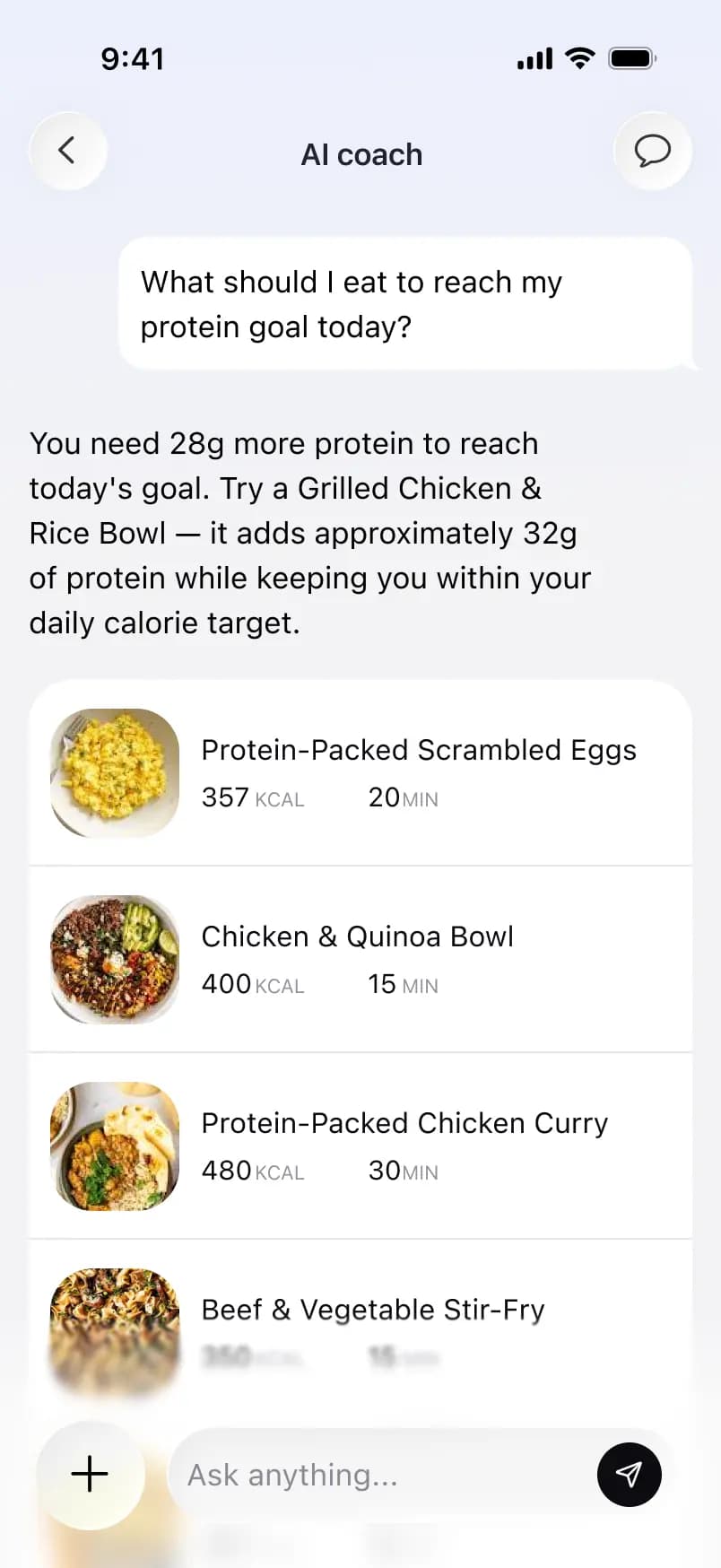

 Protein-Packed Scrambled Eggs
 Chicken & Quinoa Bowl
 Protein-Packed Chicken Curry
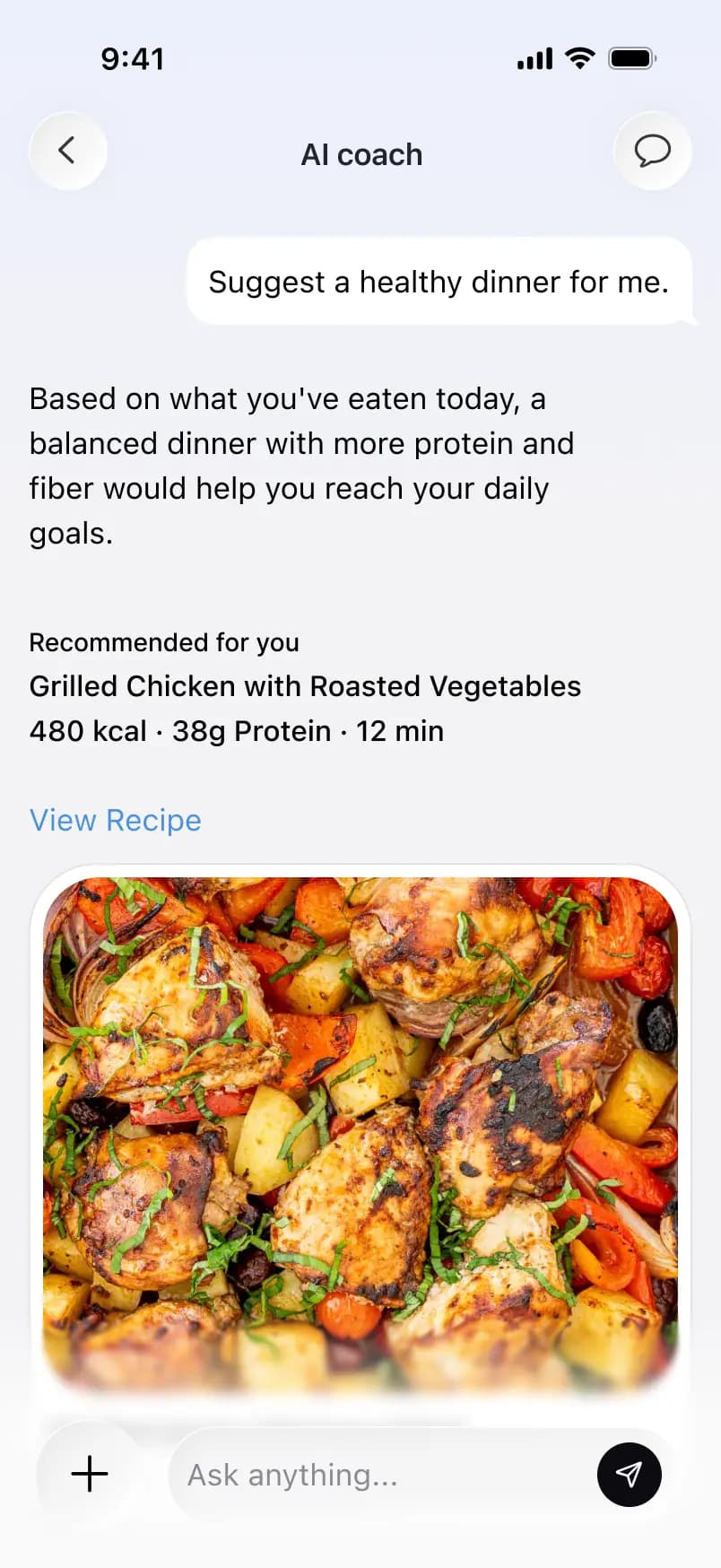
Get personalized recipe suggestions based on your remaining calories, nutrition goals, and what you've already eaten today.

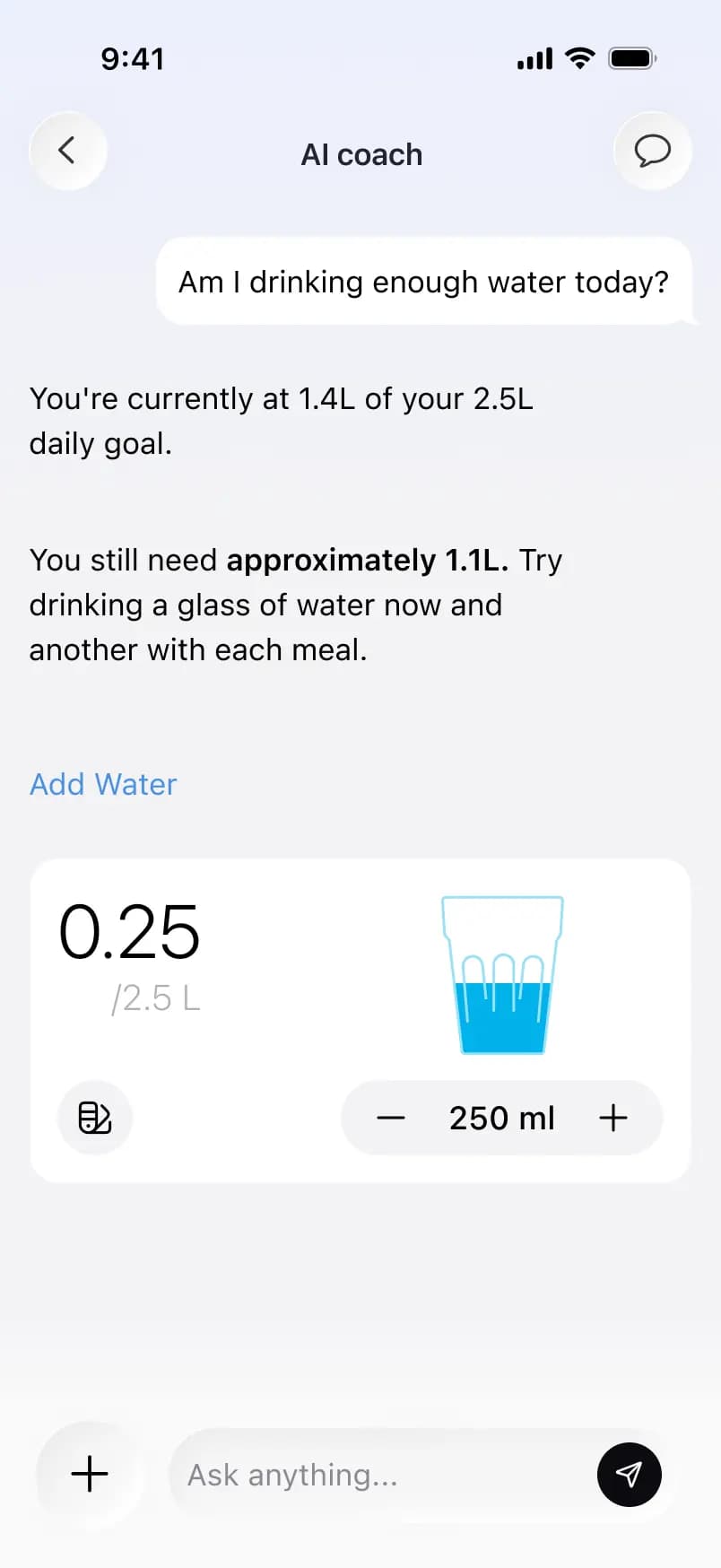
Understand your water habits and get simple recommendations to help you stay hydrated throughout the day.
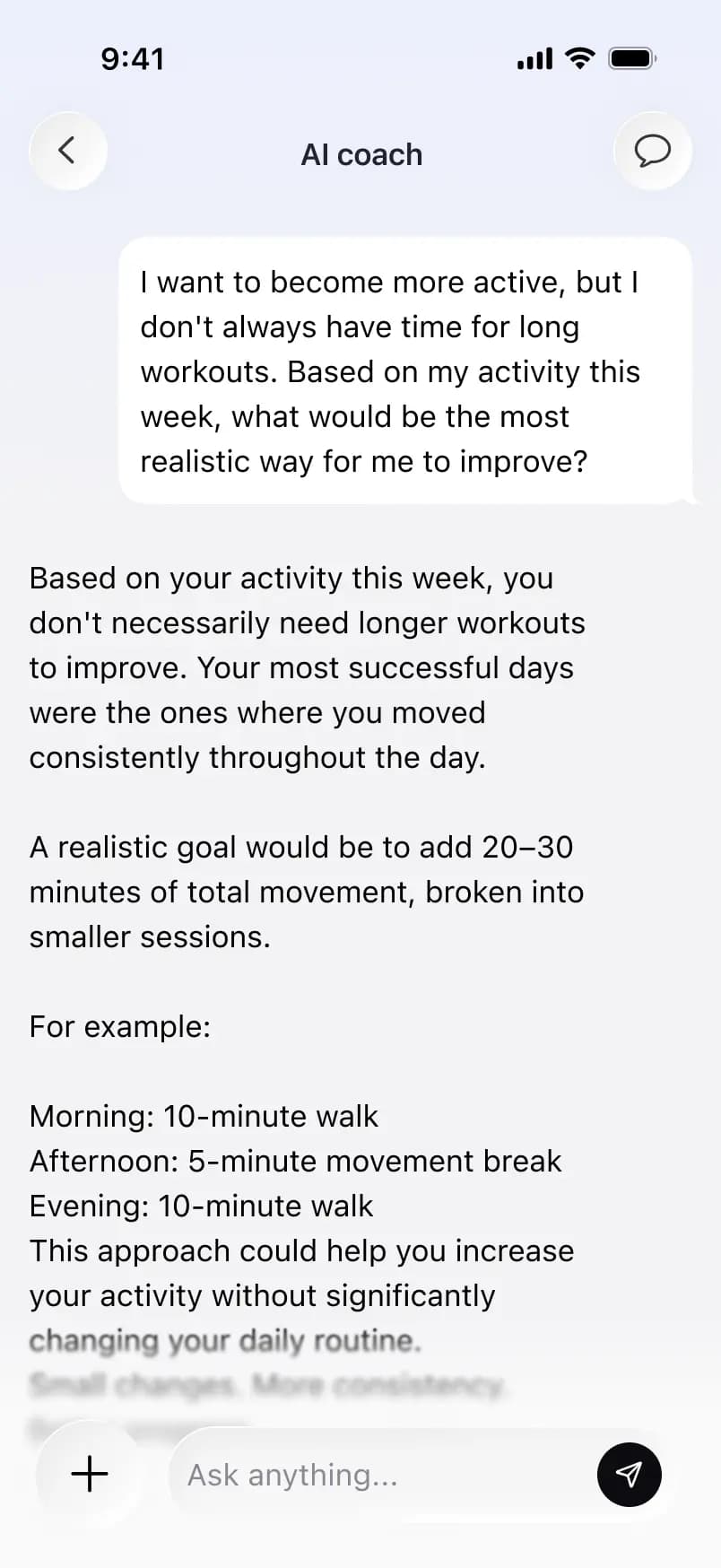
See how your daily movement adds up and discover simple ways to stay active and reach your goals.
Diat is a free AI calorie counter app for iPhone and Android, published by IMEDBILL LLC. It recognises foods from photos, barcodes and menus, estimates portions, and logs calories and macros against a personal daily budget.
Diat is free to download and use, with generous daily limits on photo logs, barcode scans and fasting tracking. A Premium subscription unlocks unlimited logging, advanced nutrient breakdowns, the AI coach, and all premium features.
Open the Diat app, tap the crown or Premium tab, and choose the monthly or yearly plan that works for you. Upgrades restore automatically on the same Apple or Google account, and family sharing is available where supported.
Calorie and macro targets start from evidence-based formulas using your age, height, weight, sex, activity level and stated goal (lose, maintain, or gain). You can adjust them at any time in the app's settings.
Diat draws on verified databases where available and clearly marks AI-estimated entries. Figures are always approximate and rounded. Sources are listed inside each item card in the app.
Have more questions? Contact us at support@diat.app