

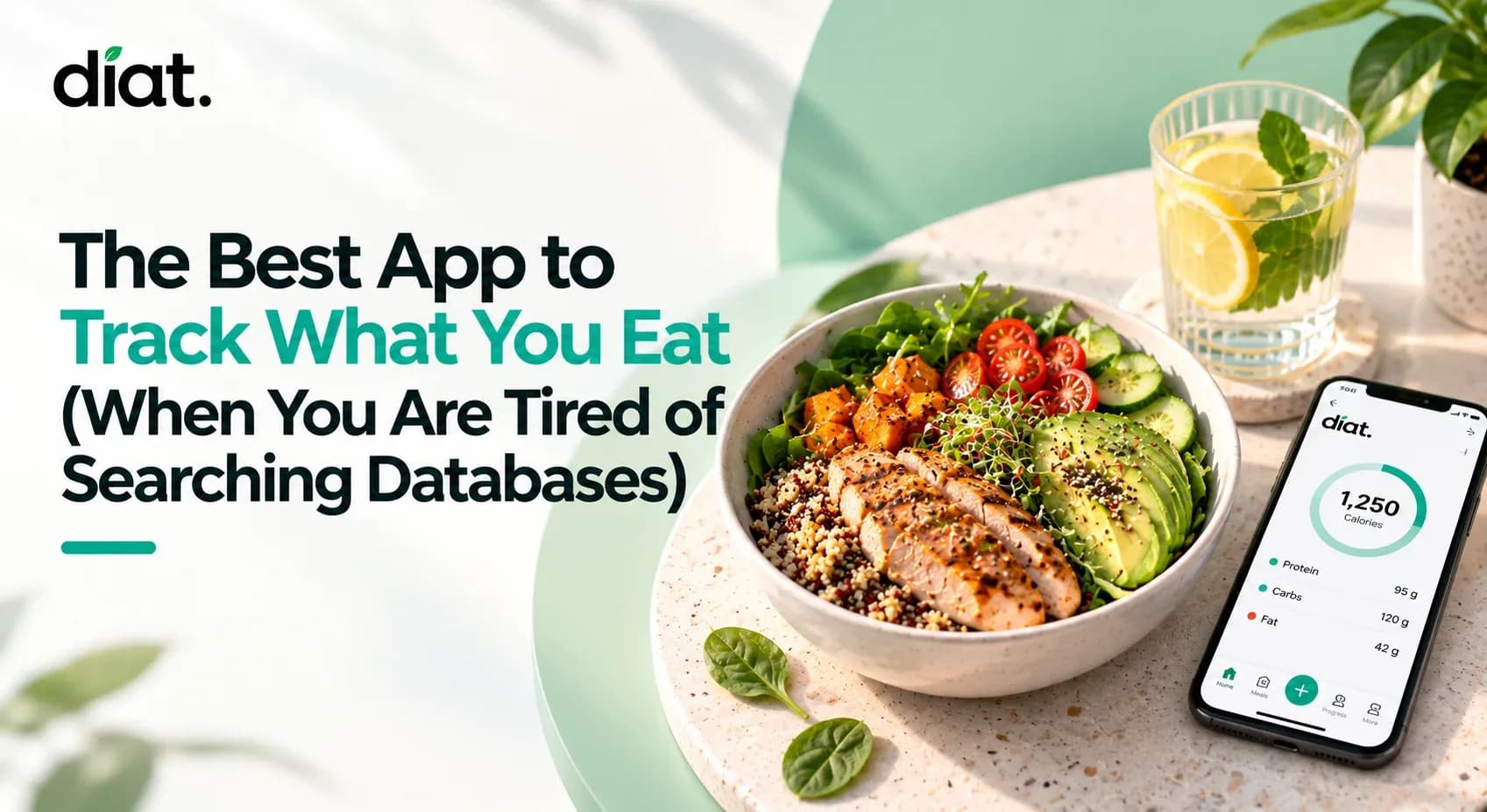
You ordered a mixed-bowl salad for lunch. It has grilled chicken, feta, a vinaigrette, avocado, and mixed greens. By the time you try searching a database for every individual ingredient, you are guessing portion sizes and getting frustrated. By day four of doing this for every meal, you stop logging entirely.
What is the best app to track what you eat?
The best app to track what you eat is the one you actually use consistently. For most people experiencing tracking fatigue, this means moving away from manual database searches and using an app like Diat that utilizes AI photo logging to estimate calories and macronutrients instantly, while tracking your fasting window and water goal in the same place.
Key Takeaways
- Consistency beats precision: Tracking your food intake consistently over time yields better results than tracking perfectly for three days and quitting.
- Photo AI is an approximation: Third-party research indicates photo-based AI calorie estimation averages approximately 80–85% accuracy compared to ~94% for manual database entry.
- Combined metrics matter: Managing a calorie deficit, a fasting window, and hydration in one dashboard reduces app fatigue.
- Safety first: Calorie tracking and fasting are not appropriate for everyone. Always consult a healthcare provider before making significant dietary changes.
Why You Quit Your Last Calorie Counter
Food tracking often fails because of friction. Manually typing in ingredients, weighing raw chicken, and scanning endless lists for a close match requires a time commitment most people cannot sustain.
Clinical research published in Patient Preference and Adherence demonstrates that self-monitoring of diet is one of the most reliable predictors of weight management success. However, the same studies show adherence drops significantly when the recording process is too complex. You do not need a perfect macro breakdown to understand your eating habits; you need a tool that takes ten seconds to use so that you actually log the meal.
How Photo Calorie Tracking Actually Works (And Where It Struggles)
Taking a photo of your plate automates the hardest part of a food diary. You point the camera, and the app estimates the food type, the portion size, and the macronutrient breakdown.

This approach is highly practical, but it has limitations that you should understand. AI estimates are approximations. Photo tracking works exceptionally well for single-ingredient foods, simple plates, and foods with known calorie densities (like a piece of fruit or a chicken breast). It struggles with mixed dishes, heavy sauces, cooking oils, and hidden fats.
If you eat a heavily sauced restaurant meal, the AI might miss the butter used in the pan. The tradeoff is clear: getting a fast, 85% accurate estimate keeps you logging consistently, which is far more useful for identifying patterns than a perfect database entry you abandon after a week.
Tip: With Diat, you can improve your awareness just by taking photos of your meals, even without analyzing the calories immediately. Visual records help you review your portion estimates at the end of the day.
How to Log Your First Meal in Diat
Diat's photo logging is designed for the moments when you do not have time to search a database—snap, confirm, move on. Here is how to log your first plate.
- Snap the photo: Open Diat on your phone and tap to log a meal. Point your camera at your plate and take the picture.
- Review the read: The app will identify the foods, estimate the portions, and provide a full calorie and macro breakdown (protein, carbs, fat).
- Confirm or adjust: If the AI estimate looks off—and sometimes it will—you can drag the portion slider or make a manual adjustment. Getting close is more useful than not logging at all.
- Scan if needed: For packaged items, you can use the built-in barcode scanner.
The photo takes less than 10 seconds. Download Diat for free on iOS and Android.
Fasting and Hydration: Tracking The Rest of Your Day
Nutrition involves more than just a calorie target. Tracking your eating window and your water goal alongside your meals gives you a complete view of your day without requiring three separate apps.
Diat includes a live fasting timer supporting common structures like 16:8 and 18:6. The tracker runs in the background, showing you elapsed time and remaining hours, so you do not have to watch the clock. You can read more about balancing these schedules on the Diat wellness blog.
Important Safety Note on Fasting and Calorie Restriction: Fasting protocols and calorie deficits are not appropriate for everyone. Please consult a healthcare provider or registered dietitian before starting a fasting protocol or making a significant dietary change. Fasting is contraindicated for pregnant or breastfeeding individuals, children, adolescents, and people with certain medical conditions. If you have a history of disordered eating, tracking apps may exacerbate symptoms; please seek guidance from a medical professional or a dedicated eating disorder support organization.
Basic Calorie Target Reference
If you are determining a baseline for your daily dashboard, your resting metabolic rate and daily activity dictate your needs. While Diat calculates a starting calorie budget based on your height, weight, and activity level, here is a general reference based on the USDA Dietary Guidelines for Americans (2020–2025):
Demographic / Activity Level | Sedentary | Moderately Active | Active |
|---|---|---|---|
Women (Ages 26–50) | 1,800 kcal | 2,000 kcal | 2,200 - 2,400 kcal |
Men (Ages 26–50) | 2,400 kcal | 2,600 kcal | 2,800 - 3,000 kcal |
Note: These are broad estimates. Individual metabolic needs vary significantly based on body composition and genetics.
The fastest way to test any food-tracking approach is to use it for one week and see if the habit sticks. Join thousands of users who are already tracking their habits with Diat.
