Share the everyday wins
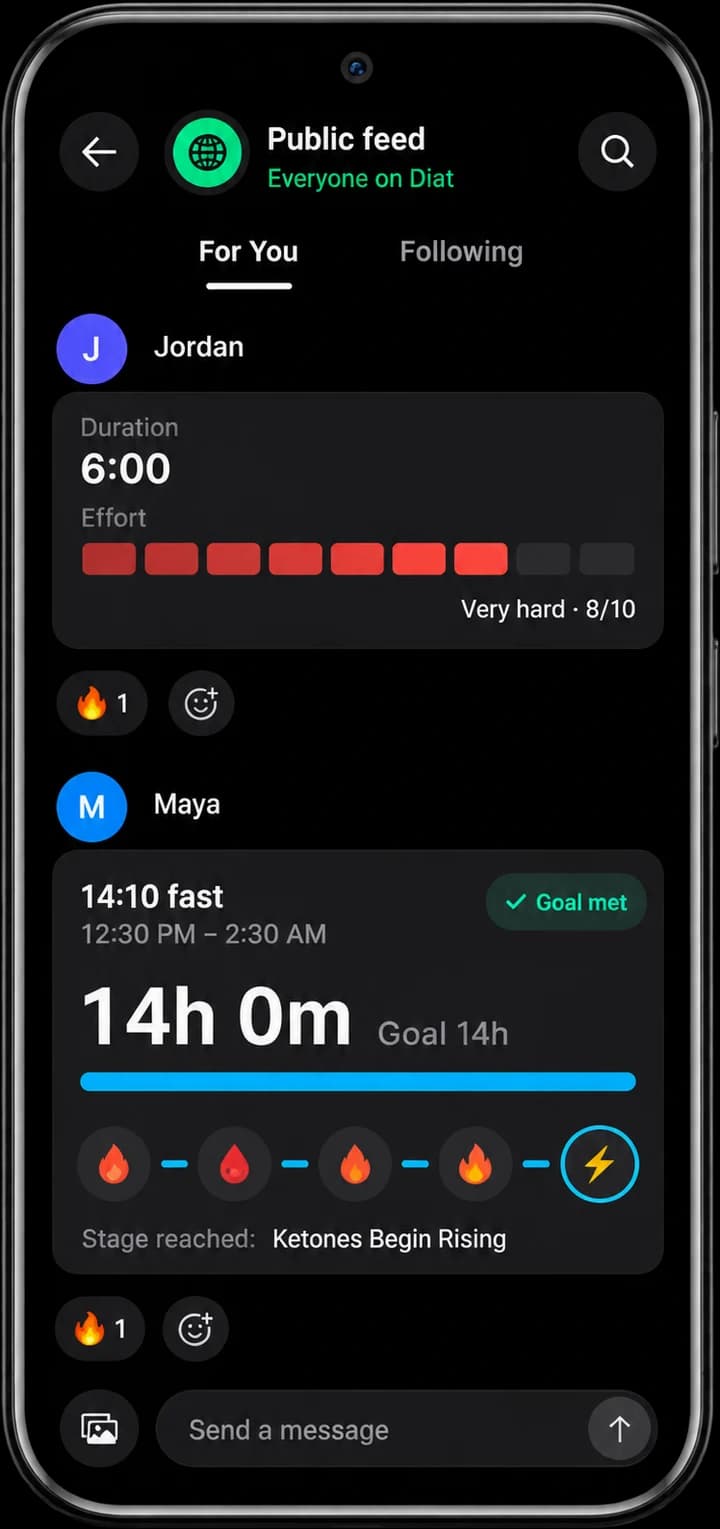
Post an update or photo to the feed. React, comment, and follow people whose journeys inspire you.
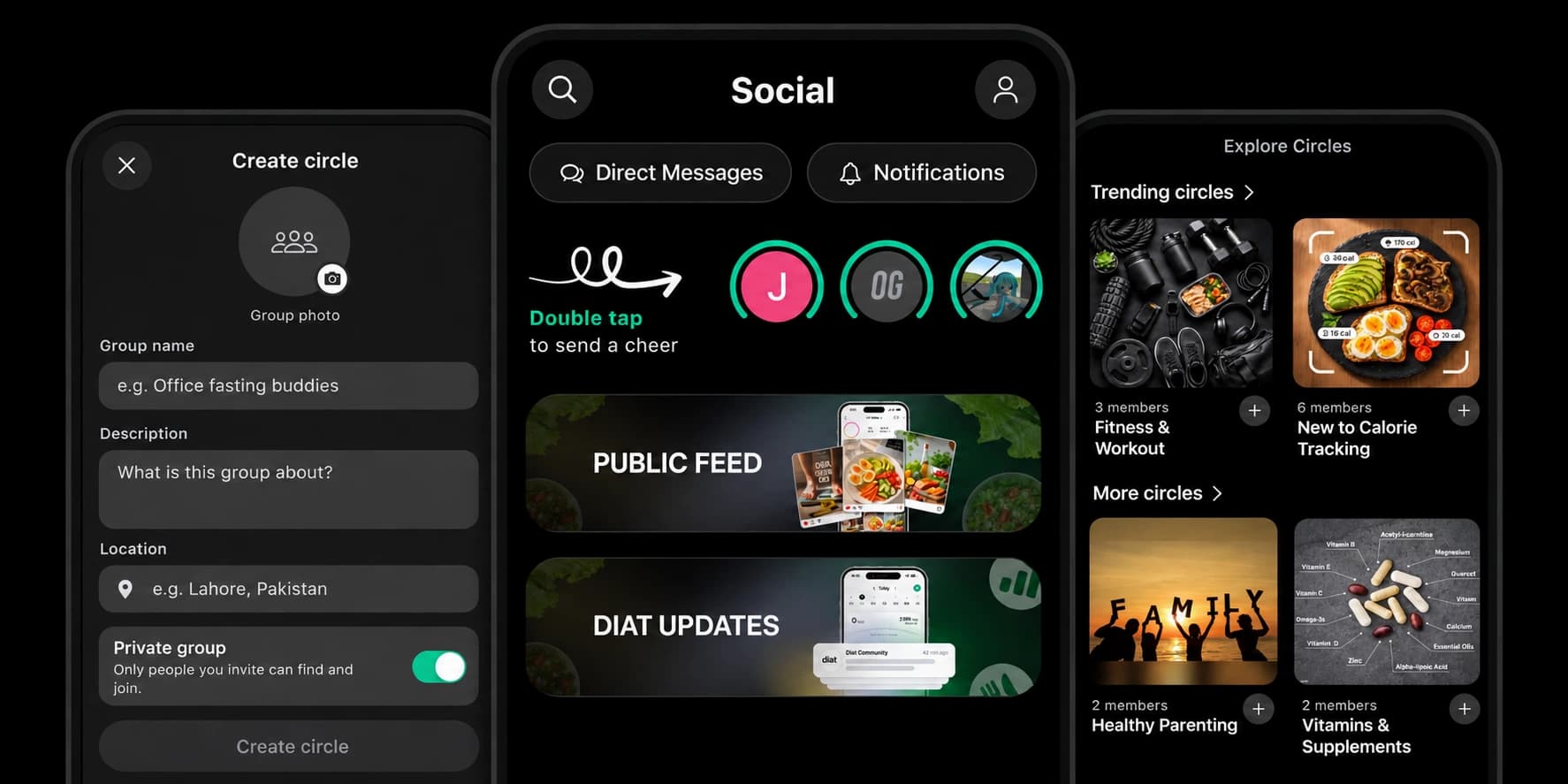
Diat Social at a glance
Diat Social is the free community inside Diat, the calorie, workout and fasting app for iPhone and Android. Post wins and photos to a public feed, join public or private Circles around your goals, double tap to cheer people on and message friends, right next to the food log, workouts and fasting timer you already use.



Get started
Get Diat on the App Store or Google Play, set your goal and open the Social tab.
Search for friends or Circles, check Suggested people, or browse Trending circles and Explore Circles.
Join a group around your goal, or create your own and switch on Private group so only people you invite can join.
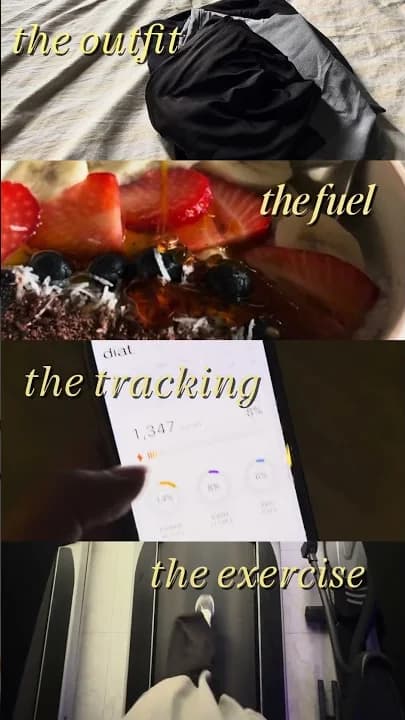
Post a meal, a workout or a finished fast, and double tap other people's profile circles to cheer them on.
| Feature | Typical fitness social network | Typical group chat | Diat |
|---|---|---|---|
| Feed of progress posts and photos | Yes | Sometimes | Yes |
| Groups around a shared goal | Yes | Yes | Yes |
| Private, invite-only groups | Sometimes | Yes | Yes |
| Share a finished workout | Yes | No | Yes |
| Food log and calorie tracking | No | No | Yes |
| Intermittent fasting timer | No | No | Yes |
| Choose who can message you | Sometimes | No | Yes |


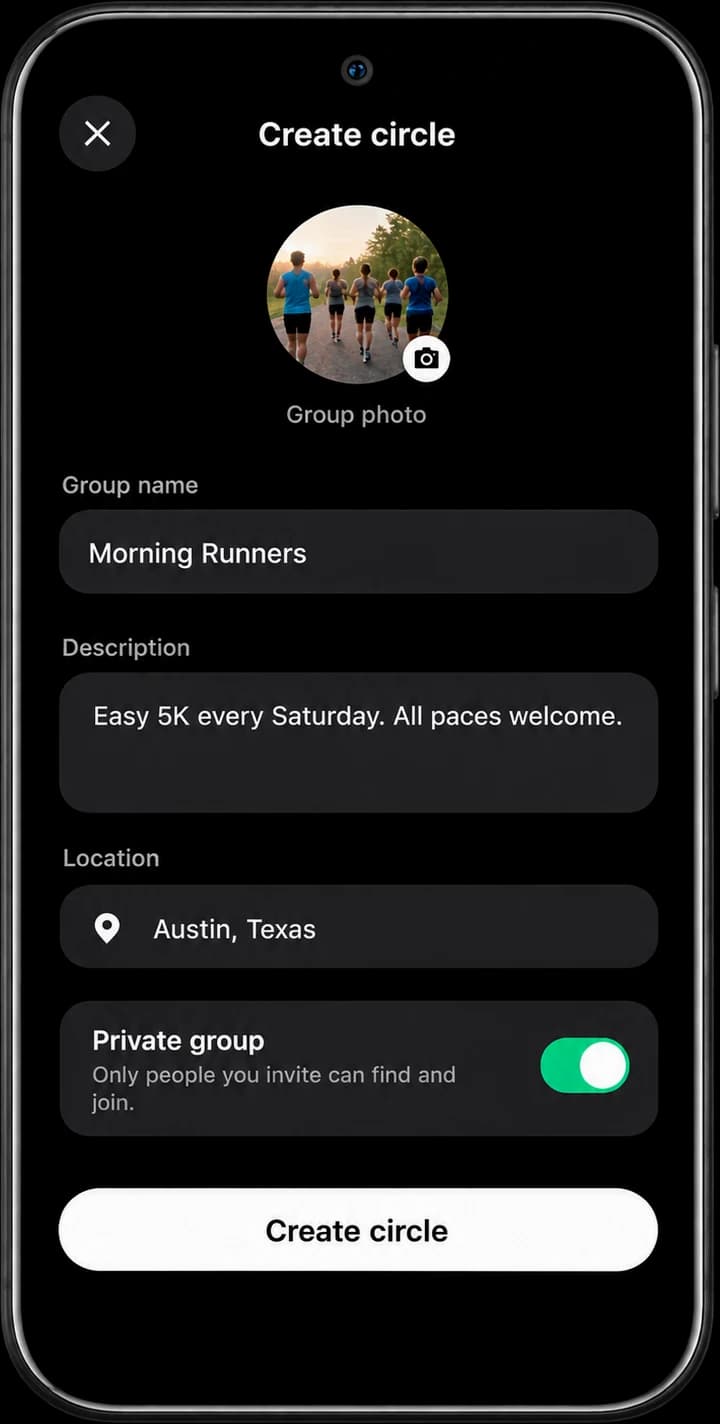


Yes. When you create a Circle, turn on Private group so only people you invite can find and join it. With that setting off, anyone can find and join. You can change it later when editing your group.
Open Search and switch between Friends and Circles. You can also use Find friends, look at Suggested people, or browse Trending circles and Explore Circles.
Yes. Share or copy an invite link for a Circle, or share your profile or a Circle by link, QR code or WhatsApp.
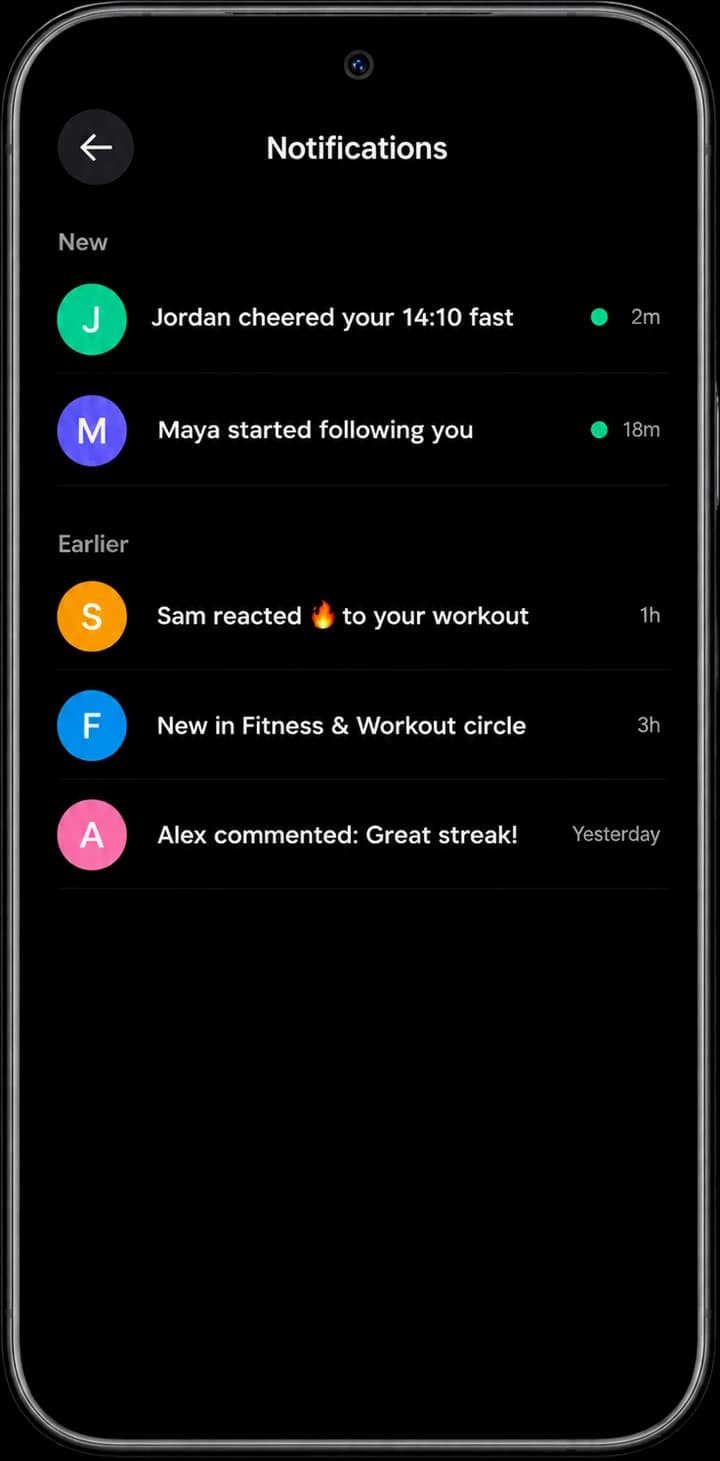
Diat tells you about reactions, comments, replies and follow requests, and you can turn on push notifications for them.
Yes. Edit or delete your own posts and comments any time. You can leave a Circle whenever you like, and delete a Circle you created.
It depends on what you train for. Strava clubs suit runners and cyclists who track GPS activities. If your goals are eating better, losing weight or building healthy habits, Diat Social puts the community next to your food log, workouts and fasting timer, so you can share a meal, a workout or a finished fast and get cheers from friends and Circles in the same free app.
It can make it easier to stay consistent. Research on weight loss programs often finds that support and accountability from other people help them stick with it. In Diat you can join a Circle around your goal, share daily wins and get cheers, while keeping personal details private.
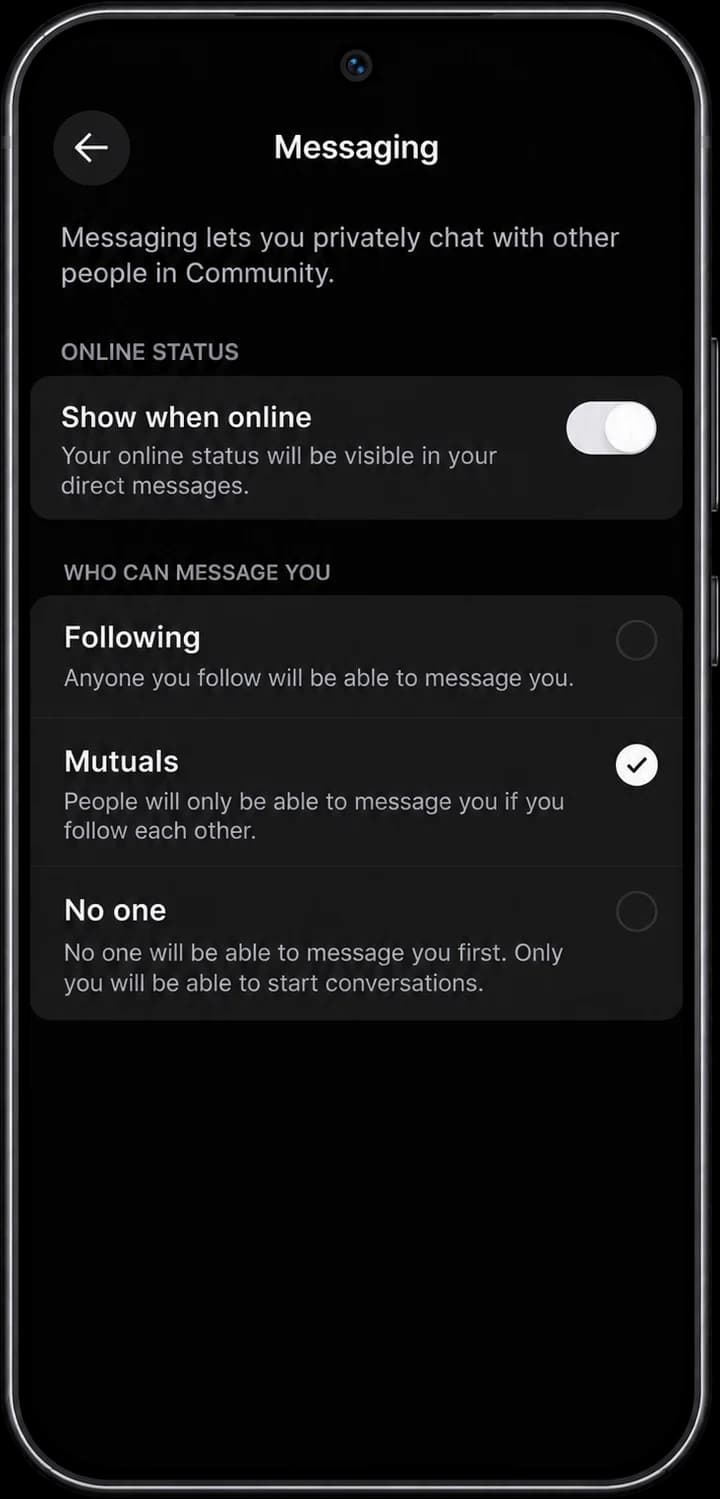
You decide what you share. Choose who can message you, hide your online status, keep a Circle private and invite-only, mute or delete conversations, and edit or delete your posts any time.