
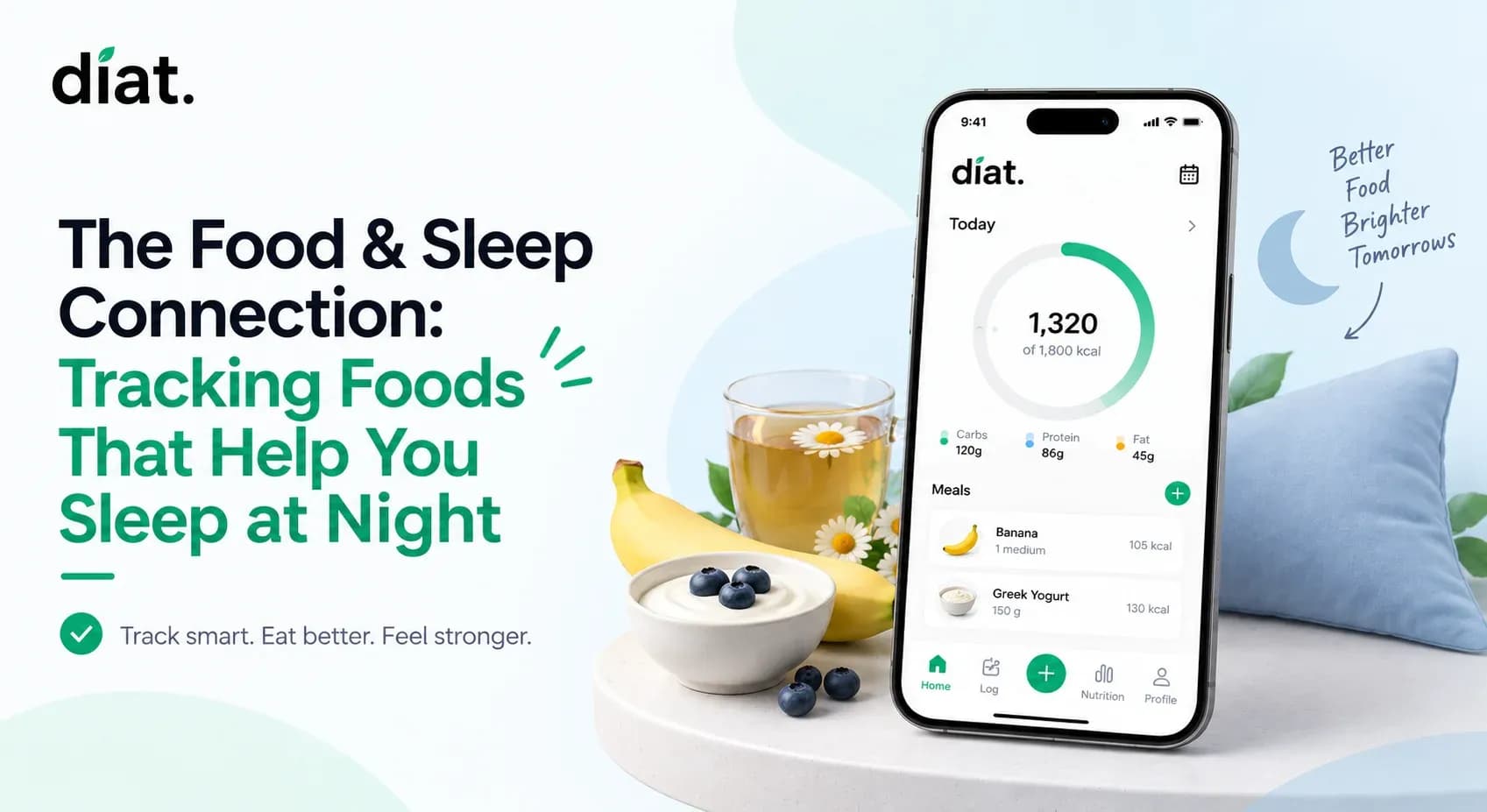
It is 10:30 PM. You are hungry, but you want to go to sleep soon. You need a snack that fits your daily calorie target without disrupting your rest.
The foods that help you sleep at night generally contain natural melatonin, magnesium, or the amino acid tryptophan. According to sleep and nutrition research from organizations like the Sleep Foundation, the best options include tart cherries, walnuts, kiwi, and small portions of turkey or almonds.
Health & Safety Notice: Diat is a food tracking and wellness tool, not a medical device. It does not replace the advice of a healthcare professional, registered dietitian, or physician. If you have chronic insomnia or a medical condition that affects your nutrition, consult your healthcare provider before making changes to your diet.

If you track your nutrition, the late evening is usually when the habit breaks down. You are tired. Searching a database for "walnuts" feels like a chore. Diat removes this friction by using AI to estimate calories and macros directly from a photo. Download free on App store or Google Play!
What Diat Does for Evening Tracking
When you are ready for bed, the last thing you want to do is navigate complicated app menus. Diat simplifies evening tracking into three core functions:
- Photo-based calorie analysis: Point your camera at a bowl of cherries or a handful of almonds. The AI estimates the calories and macros instantly.
- Fasting tracking: Once you log your final evening snack, you can tap to start your overnight fasting timer.
- Hydration logging: Log your final glass of water for the day with one tap.
Honest Note on AI Accuracy: Photo-based AI calorie counting is a fast, practical tool, but it is not flawless. Current third-party research indicates photo AI estimation averages around 80–85% accuracy, compared to ~94% for manual database entry. The AI excels at simple, whole foods like a pre-bedtime kiwi or a handful of almonds. It may struggle with mixed dishes or hidden oils. However, getting a close estimate with a photo is always more useful for building a long-term habit than skipping the entry entirely because you were too tired to type.
Important Safety Note: Fasting protocols and strict calorie restriction are not appropriate for everyone. This includes people with a history of disordered eating, pregnant or breastfeeding individuals, and children or adolescents. If you are tracking food to manage weight, prioritize sustainable habits over extreme deficits. Consult a registered dietitian before beginning any fasting routine. If you or someone you know is struggling with an eating disorder, professional support resources are available.
How to Log Your Late-Night Snack in Diat
Logging your food should take seconds, especially at night. Here is how to track your evening snack on your device.
- Open the Diat app and tap the Log Meal icon on the daily dashboard.
- Point your camera at your snack—for example, a small bowl of tart cherries—and snap the photo.
- Wait two seconds for the AI to generate the estimated macronutrient breakdown (protein, carbs, fat) and calorie count.
- Review the estimate. If the portion size looks slightly off, you can edit the numbers manually.
- Tap Confirm to add it to your daily total, then start your fasting timer for the night.
Diat's photo logging is designed for the moments when you don't have time to search a database. Snap, confirm, move on. Free to download .
Comparing Evening Tracking Methods
The fastest way to test any food-tracking approach is to use it for one week. Here is how Diat compares to traditional methods when you are tired.
Feature | Diat (AI Photo Tracking) | Traditional App (Manual Search) | Not Logging at All |
|---|---|---|---|
Speed | Under 10 seconds | 1–3 minutes | 0 seconds |
Accuracy | Approximate (~80-85%) | High (Database dependent) | None |
Evening Friction | Very Low | High | None |
Fasting Timer | Built-in | Requires a separate app | N/A |
Start tracking your nutrition with less friction. Diat is free to download!